Does it look different from a native app?
Although it installs from the browser, once installed it can feel and behave very similar to a native application.

Everything you need to know about installing PWAs: compatibility checks, step-by-step guides and supported browsers.
We will show you the best installation method available.
Quick access from your home screen.
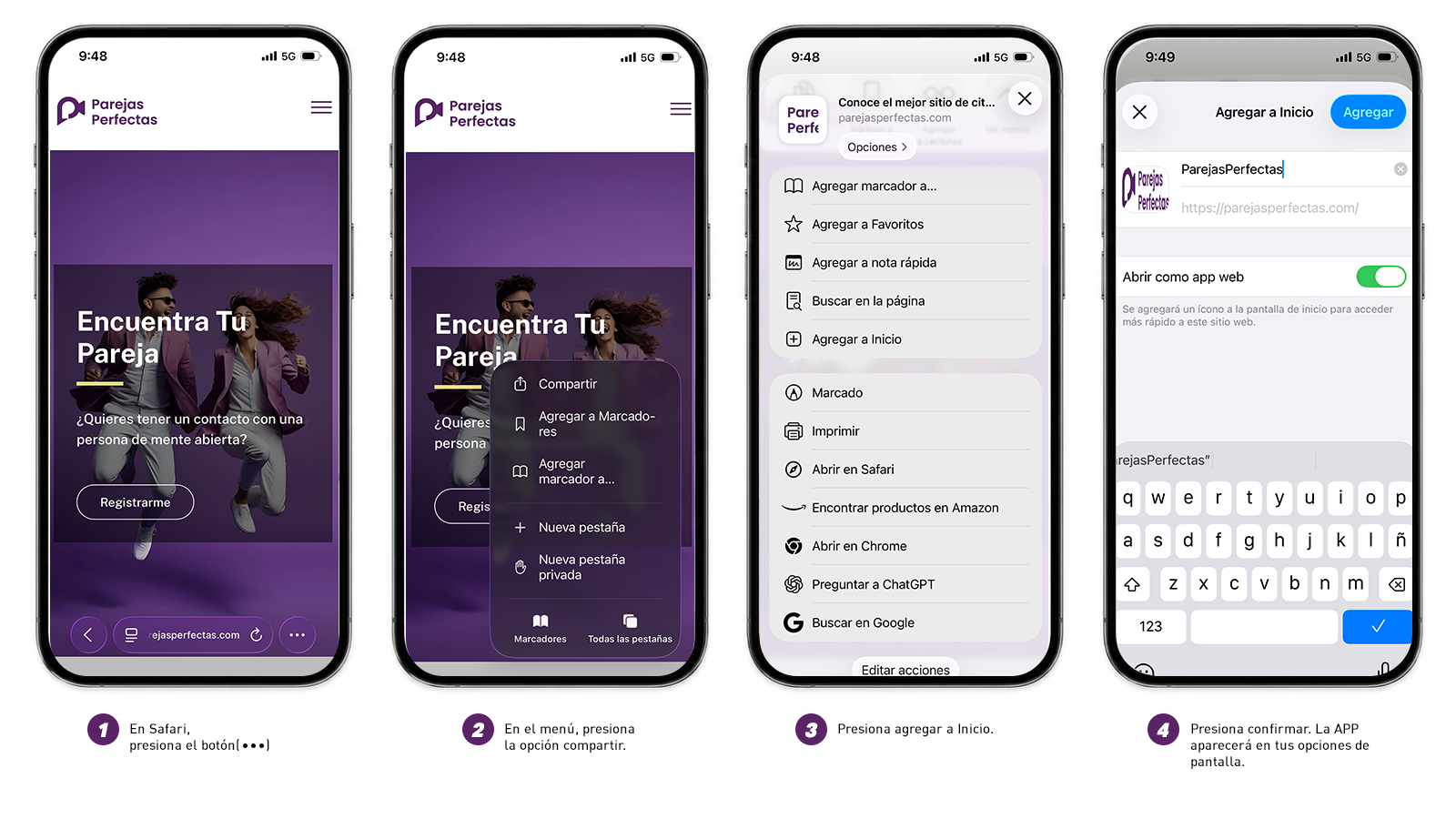
You can install a PWA on any iPhone or iPad with Safari via the Add to Home Screen option available in the Share panel. Since iOS 17, you can also install a PWA on your iOS device with Chrome or Edge by clicking on the Share button available in the URL bar.
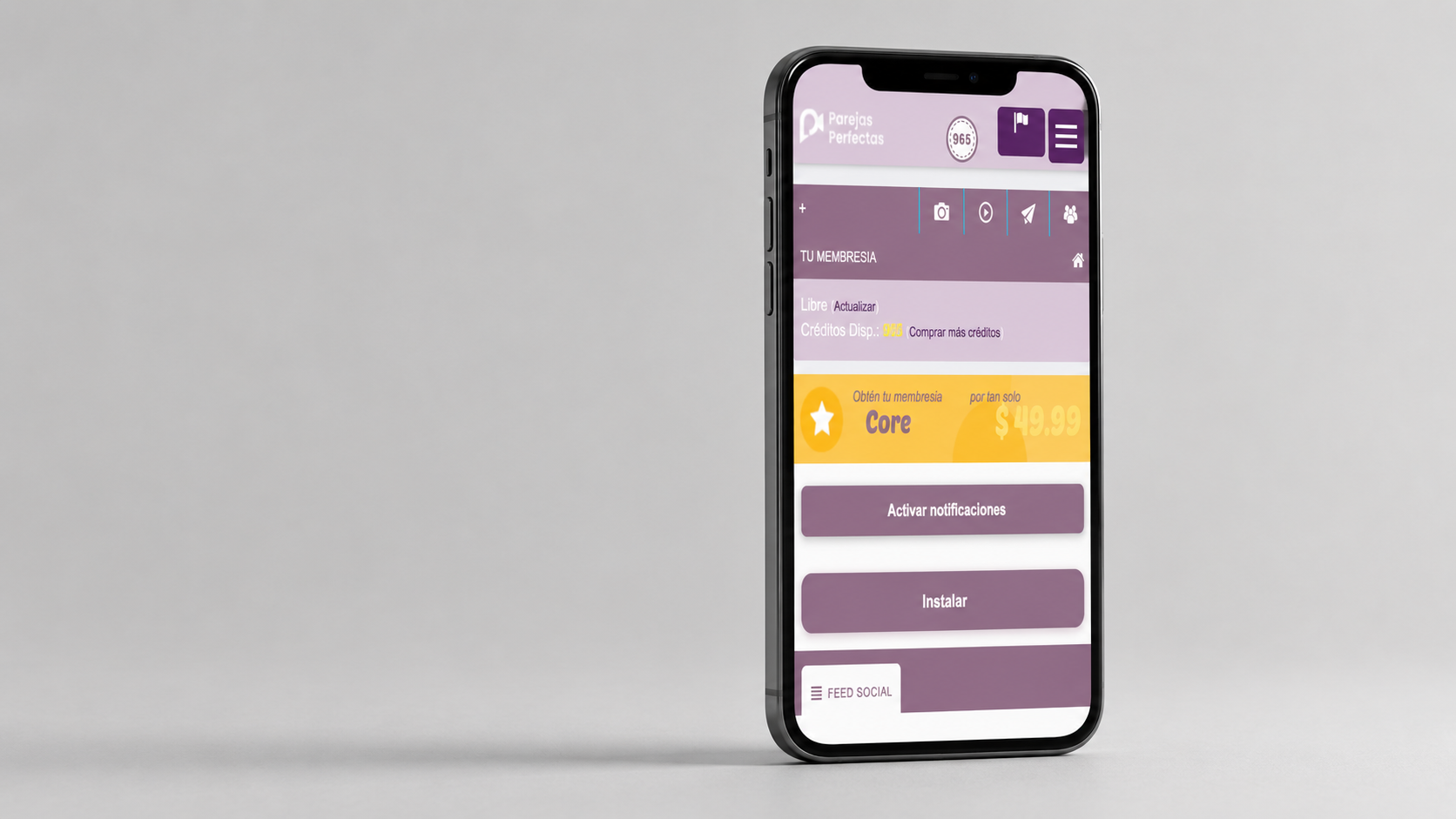
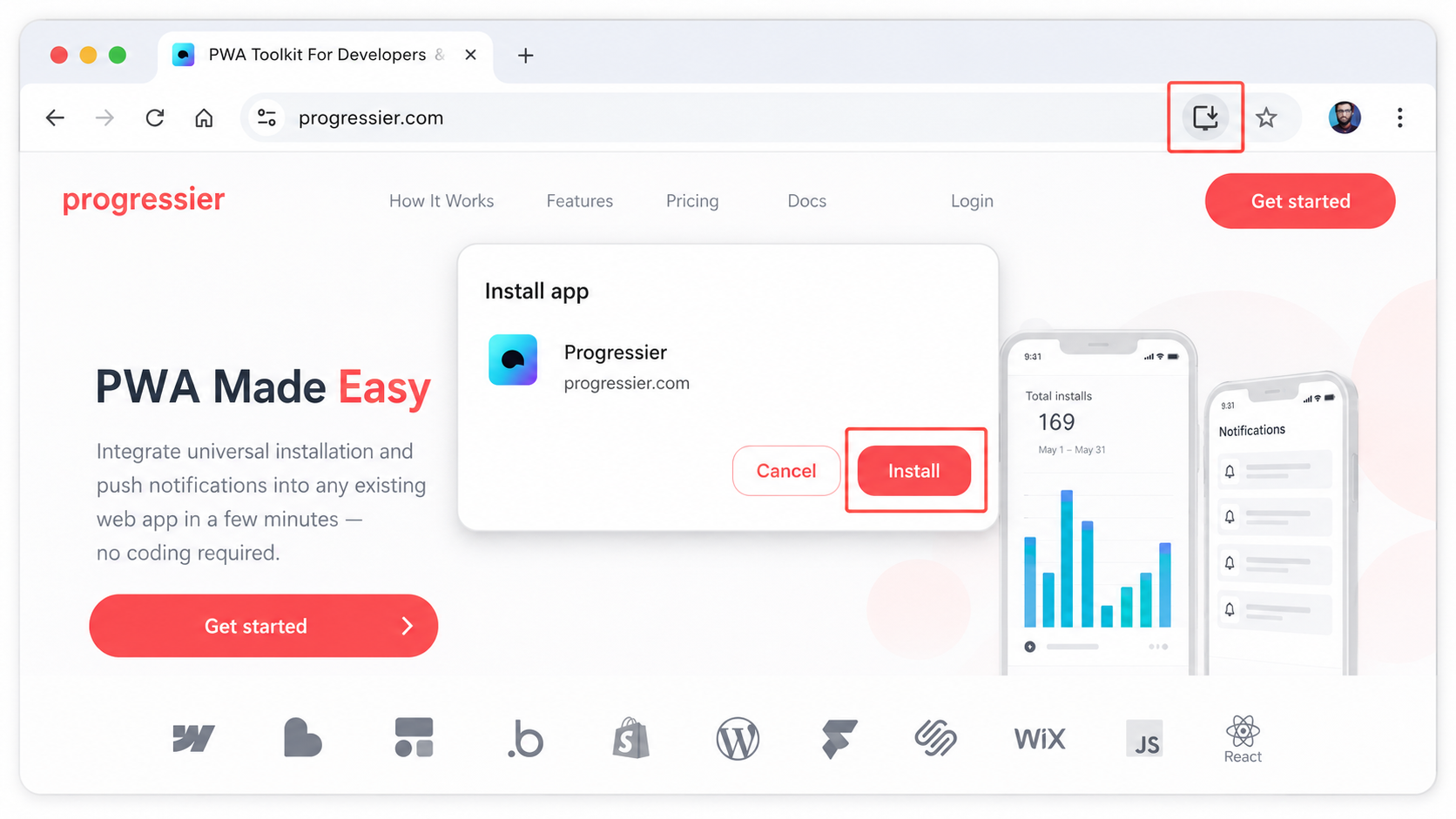
Although it installs from the browser, once installed it can feel and behave very similar to a native application.
By design, a PWA cannot freely access personal data or device information without proper permissions.
Some systems used in TVs and wearables, such as WearOS, webOS and Tizen, usually don't support PWA installation.
PWAs help reduce the need to maintain multiple codebases. They can also add features like offline mode, fast updates and push notifications.
On compatible Android devices, installing a PWA takes less than 30 seconds. On iOS and desktop computers, installing a PWA is instant.
None. Unlike native applications, PWAs don't require downloading large files to your device, which makes them lightweight and fast to install.
These are the criteria for installation:
- A domain protected with SSL, meaning it starts with https://
- A web app manifest
- Users must have spent at least 30 seconds browsing your domain
- When these criteria are met, the browser triggers the beforeinstallprompt event, which you can capture in your code to start the installation process.
PWAs install directly from the browser, while native applications come from an app store. However, once installed - both on iOS and Android - it is hard to notice any difference. They look, feel and work almost identically.
Operating systems that don't support PWA installation are mainly used in TVs and wearable devices. For example, WearOS, webOS and Tizen don't support PWA installation.
Absolutely! By design, PWAs cannot access your device's data or your personal information.
PWAs are great for developers because they let you build a single application that works everywhere, without managing multiple codebases. They are fast, lightweight and update instantly. You can also add features like offline mode and push notifications. Basically, you get the power of a native app with much less complexity.
We will show you the recommended steps for your browser.